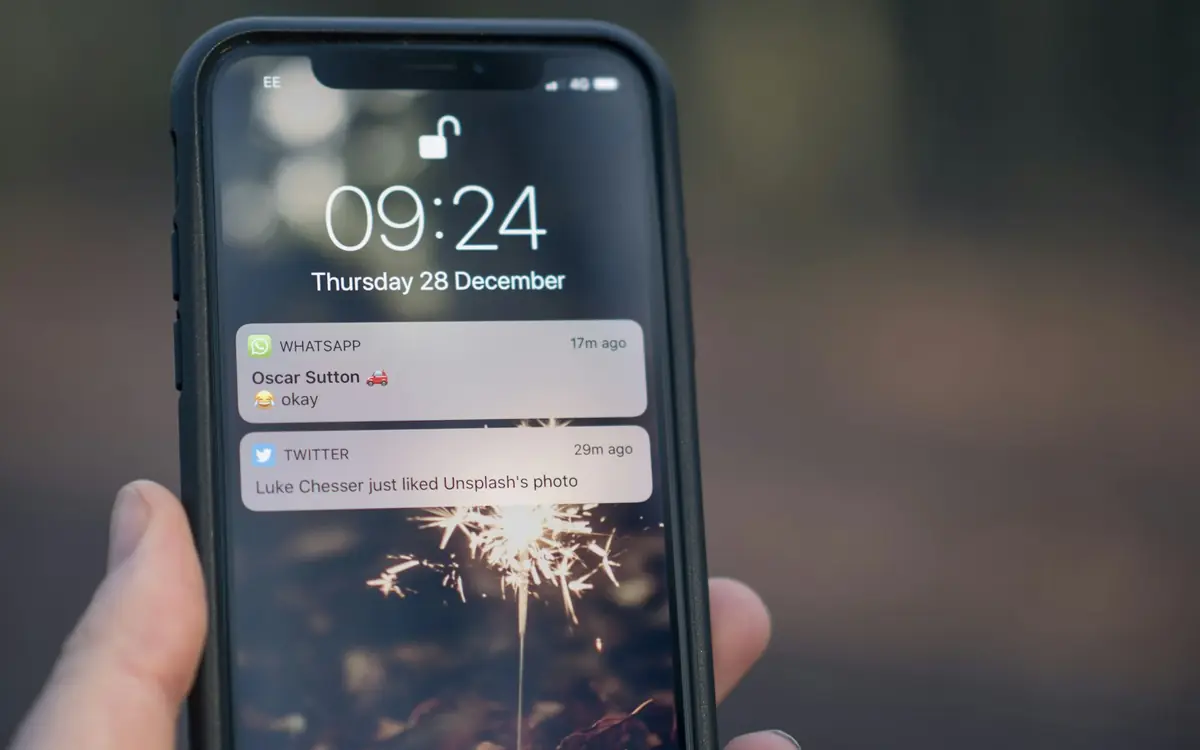
A useful reminder says when and where, leaves the patient a way to cancel without phoning and does not say why. The message arrives on a phone or in a mailbox that others may also read, and the reason for the appointment, in an aesthetic clinic, may name a treatment: that is health data and does not belong in the text.
A diary that empties at the last minute is fixed in three moves: warn, make cancelling easy, count.
Why a patient does not turn up
The reasons are many and depend on who the patient is and how they booked: a commitment that came up, a doubt after the consultation, a date taken months earlier and forgotten, an inconvenient time. One thing holds for all of them: if the patient cannot come, the worst thing for you is finding out when the chair is already empty. A reminder is for this, even before it is for remembering.
When to warn
Two moments have different functions.
At booking. Anyone booking from the website receives a confirmation, by email, and by SMS if the channel is configured (see online booking). The confirmation says that the appointment exists and when it is.
The day before. Fibonacci can send the patient a reminder email the day before the appointment. An automatic job runs every morning at 9, looks at the appointments set for the next day and sends the email; for the same appointment it does not go out twice. The reminder is not switched on by default: it is activated on request, by writing to support.
For appointments booked well in advance (a session set weeks earlier) a single notice the day before may be too late to move. In that case the front desk can create an internal task in the task board, with a due date and an assignee, and contact the patient. Tasks belong to the practice: no messages go out to the patient.
The channel and the cancellation link
The Fibonacci reminder is an email. At the bottom there is a link to cancel without phoning, the same one that arrives with the booking confirmation. If the link cannot be prepared, the email carries only the practice's phone number.
A cancellation link turns a no-show into a cancellation. The patient who cannot come has a short route to tell you, and you have the chance to fill that hour.
What to write in the message
The text is short and does not say what is being done. The Fibonacci reminder does not state the reason for the appointment, because it may name the treatment. It follows the language written in the patient's record.
An example of text, with invented name and details:
Dear Anna, this is a reminder of your appointment tomorrow, 12 May, at 3.30 pm at Studio di esempio, via Roma 1. If you cannot come, you can cancel from this link: [link]. For anything at all, 000 0000000.
What is not there: the name of the treatment, the area, the doctor if they are known for a speciality, the words «follow-up after filler». What is there: date, time, place, a way to cancel, a contact number.
A warning. The name of the practice may already say something, if the practice does only one type of treatment. There is no obligation to change it: it is a reason to keep the rest of the message neutral.
Consent to receive messages
The Fibonacci reminder goes out only if the patient has given consent for the email channel in their record: without a recorded choice, nothing is sent. It is a product setting, and for the practice it means a question to ask once, at reception, and a box to tick. If a patient has not given it, they do not receive the reminder, and the appointment stays as it is: the front desk confirms it verbally, if needed.
On the legal basis for this consent, and on its relationship with the processing necessary for care, there is the article «you don't need privacy consent to treat»: it explains what the Garante asks for and what instead requires a separate signature.
How to look over time at how many do not turn up
The number that matters to you is one: how many past appointments ended as a missed attendance, compared with how many were kept. The statistics page counts them for the period you choose (month, quarter, year), with Cancellations and Missed attendances calculated on appointments that have already passed. You can narrow by practitioner and, if the practice has more than one site, by site.
Two cautions. The page counts what is recorded: a past appointment still marked as «set» does not enter the missed attendances, and the page warns you when there are any. And it counts, it does not advise: it does not say who to call back nor judge a practitioner.
For that reason the most useful gesture, at the end of the day, is to close the appointments. In the diary every appointment has a status: scheduled, confirmed, checked in, in progress, completed, missed, cancelled. If you do not update it, the numbers say nothing. In the diary there is also a time, to be set, after which an appointment that has not started marks itself as missed; it is off by default.
What is most often forgotten
At the top of the tasks page, the «Do not forget» strip gathers administrative things found in the diary and in the forms: a booking request from the website still to be confirmed, an appointment from the past few days left open (did the patient arrive or not?), a form to be completed before the visit not completed for more than three days. They are fixed rules, not artificial intelligence, and they read nothing clinical. They become a task only if you tap Create task; with Not needed you remove them from your view. For whoever keeps the diary they are the reminder of the reminder: a form not completed three days before is a good reason to contact the patient before they miss the appointment.
After a missed attendance
Mark the right status on the appointment, so that it stays in the counts. Then decide whether it is worth a phone call: the front desk can make themselves a task with a due date («call back to reschedule»), and from the task the button to set an appointment opens the diary with the patient already chosen, without starting again from the search. No message goes out to the patient from there: the word, in that case, stays with the person.
If the cases repeat with the same patient, the record is the place to write it down, and the decision on how to handle that patient is the doctor's.
A checklist
- The reminder is active for the practice (ask support)
- Every patient's record has consent for the email channel, yes or no
- The text of the message does not name the treatment
- There is a link to cancel, and it leads to a page that works
- Appointments are closed at the end of the day, with the right status
- Once a month you look at
Missed attendancesin the statistics, by period and by practitioner