Records and clinic
The whole story of the patient lives in a record built for aesthetic treatments.
History, treatments with batch number, before and after photos, face, complications and prescriptions. Every piece has its place and is one click away.

The features
The 12 features of Records and clinic, each explained below.
- Medical recordVisits, treatments, photos and documents in one record.
- Custom history formYou decide the questions of the first visit.
- DictationYou speak during the visit and the fields fill in.
- Treatments and batchesProduct, lot, expiry and areas of the face.
- Before and after photosBefore and after with the same pose, encrypted.
- Face analysisTwo shots side by side and the face in 3D.
- Outcomes and complicationsYour practice's emergency protocol, step by step.
- Practice notesPages of notes, linked to patients.
- Scientific literaturePubMed from the record, by study type.
- Prescriptions and AIFA drugsThe drug from the AIFA catalog, allergies checked.
- Reports and testsLab tests, value by value.
- Questionnaires and scalesThe patient fills in on the tablet, and you compare over time.
Only in Fibonacci
Four things in the record you find only in Fibonacci.
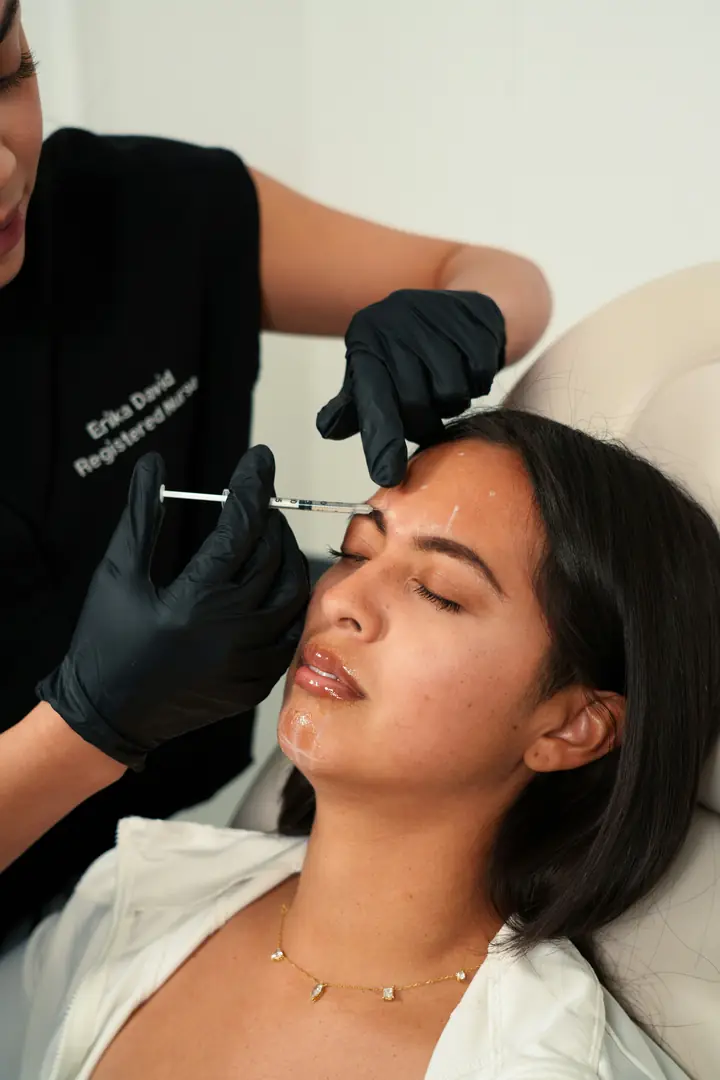
Two photos of the same patient, before and after, and a switch between the photo and the 3D model. You record your improvement judgement as a label, together with the two shots it refers to. The model runs in the browser: the photo doesn't go to external services.

The path
From the patient’s form to the follow-up, every step ends up in the same record.
- 1The form in the waiting roomThe patient answers your questions from her phone, and the answers wait for you to accept them.
- 2The medical historyAllergies, medicines and skin phototype as separate items, dictated or typed, with «Deny» when the answer is no.
- 3The sessionProduct, batch, expiry date and treated areas, marked on the face.
- 4The photosBefore and after in the same pose, encrypted before they leave.
- 5The follow-upIn the practice or by video call, with the transcript if the patient agrees.
Medical record
Open the patient's file and you have visits, treatments, photos and documents in front of you.
The file bar has seven entries: summary, visit history, treatment history, active plans, photos, face analysis, documents. «New visit» opens the step-by-step path, from the reason for the visit to the conclusion.
- Allergies and current therapies are at the top, always.
- If allergies or blood group are missing, the visit flags it in yellow.
- Answers from the form the patient filled in arrive as proposals, not as data.

Custom history formComing soon
You decide the questions of the first visit, in the order you ask them.
The visit sheet holds the steps of the path, and inside each step you put your questions and the parts of the record you need. Next to every entry there is «Deny», which writes «no known allergies» and doesn't leave the field empty.
- Answers of five types: yes or no, short text, long text, choice among several answers, date.
- «Have the page composed for you» proposes questions, never conclusions.
- «Save as practice template» makes it the starting point of every visit.
First visit: lips
Dictation
You dictate the history while you examine and find the fields already filled in, ready to review.
Press «Dictate the history» or «Dictate the session» and speak as you would to a colleague. Fibonacci separates allergies, drugs, skin phototype and the patient's request, and shows you what it understood before writing it.
- In the treatment it proposes the product, quantity and batch you said out loud.
- You choose the scale grades yourself: next to them you find the sentence you said.
- You can also upload a recording in MP3, WAV or M4A.
Treatments and batches
Every session has product, batch, expiry date and treated areas, marked on the face.
You write the product, the batch as printed and the expiry date. On the face you mark the areas with quantity, tool, gauge, plane and technique. For lasers, the delivery parameters appear.
- From a batch you find who received it, and you download the list as CSV.
- If the box is expired, the session tells you before saving.
- Coming soon: batch and expiry read from the package, with a USB scanner or the camera.

Before and after photos
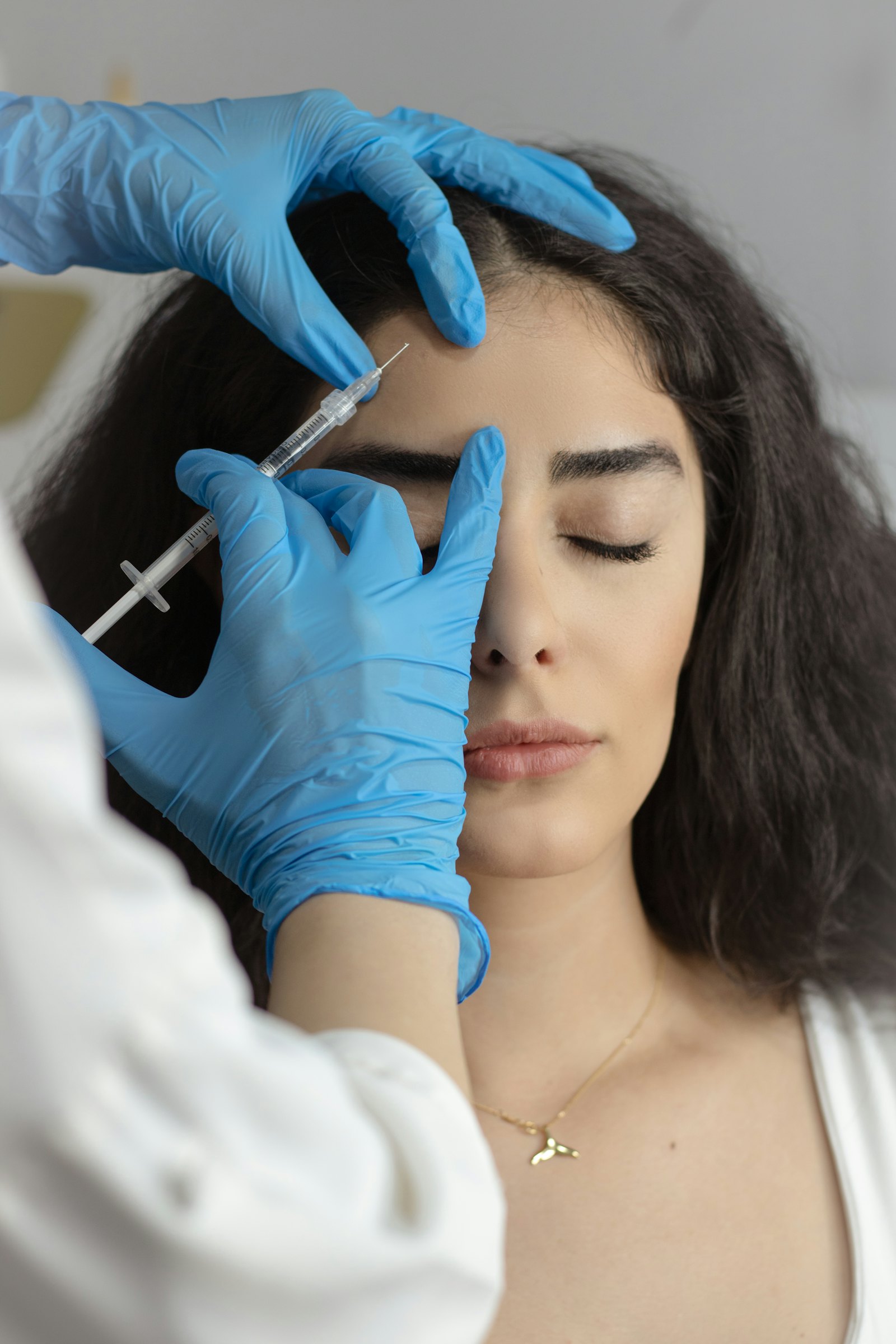
Before and after photos are taken from the record and leave already encrypted.
Each photo has its view: front, right and left side, 45 degree oblique, dynamic. On the viewfinder you see the previous shot in transparency, so you redo the same pose. The comparison puts the two shots side by side, with a bar to drag.
- EXIF data is stripped and faces can be blurred.
- Clinical, teaching or promotional use: the last two with a separate consent.
- A whole folder of photos is imported at once, up to 40.
 Cifrate
Prescriptions and AIFA drugs
You prescribe by picking the drug from the AIFA catalogue, and allergies are checked automatically.
The drug field searches among about 159,000 AIFA entries, by brand name or active ingredient, and the catalogue updates automatically. You write dose, frequency and duration. If the patient has an allergy written in the history, the prescription tells you.
- Coming soon: the electronic white prescription, with the doctor’s Sistema TS credentials.
- The prescription stays in the record, and in the patient area if you show it.
- Narcotics and compounded preparations stay on paper, as the law requires.
lidocaine
Reports and testsComing soon
Lab tests enter the record value by value, with out-of-range ones flagged.
«Import report» accepts a PDF or a scan, an HL7 file from the lab or a FHIR report. For HL7 and FHIR you see the table of values before importing: test, value, reference range, lab flag.
- If the tax code on the report isn't the patient's, it isn't imported.
- The import is undone with one click, if you picked the wrong file.
- The test request starts from the record, with the recognised coding.
Tests of 12/11, from HL7 file
Questionnaires and scalesComing soon
The patient fills in the questionnaire on the tablet, and answers are compared over time.
From the record summary you pick the questionnaire and hand the tablet to the patient: on screen she sees only that. Answers that measure something become numbers, and two fillings months apart are compared.
- Previous fillings stay under the questionnaire, with the date.
- Clinical scales, like skin phototype, are in the doctor's assessment.
- Questionnaires are written in the data: you add more without touching the program.
Treatment questionnaire
Records and clinic
What changes in your day, gesture by gesture.
| Without Fibonacci | With Fibonacci |
|---|---|
| The history form is the same for everyone, and the questions you ask yourself you write in the margin. | Coming soon: the visit sheet with your questions, in the order you ask them, saved as the practice template. |
| At the end of the day you copy out your visit notes. | You dictate while you examine and find the fields filled in, ready to review. |
| The filler batch number is a sticker at the bottom of the paper sheet. | Batch and expiry are in the session, and from a batch you find who received it. |
| Before and after photos are on your phone, next to the holiday ones. | Photos are encrypted before they leave, split by view and compared with face alignment. |
| Faced with a complication, you look for the protocol in a binder. | Emergency mode opens the practice protocol, counts the time and prepares the report form. |
| You write the drug by hand, and you remember the allergy yourself. | You pick the drug from the AIFA catalogue and the prescription checks the allergies written in the history. |
Records and clinic
Questions
Can I change the history questions?
Today the medical history has separate items and a «Deny» box next to each question. With the visit sheet, coming soon, you choose which questions appear, in what order and how they are answered, and you save it as the practice template.
Does dictation write into the record by itself?
No. It shows the text and the fields it understood, and you review them. Only what you confirm with «Propose for the record» or «Fill in the fields» goes into the record.
Where are the patients' photos?
In the record, encrypted in the browser before upload. EXIF data is stripped, and every time a photo is opened it is logged in the access log.
Does face analysis give a score?
No. It compares two shots, shows the face in 3D from the landmark points and records the improvement judgement you give, as a label. It does not calculate angles, ratios or scores.
What drugs can I find in prescriptions?
The AIFA catalogue, about 159,000 entries between brand names and active ingredients, updated automatically. Fillers are not there, because they are medical devices and not drugs.
Can I import the records I already have?
Yes: patient details are imported from a file with a preview before saving, and we bring the history in with you at launch.
Try the record on the visits you do yourself, for 15 days.
15 days free, no card. We set up the practice with you and bring your data in.
The other areas