Coming soon
Ask for a payment from the chart, and the patient pays at the POS, with a link or in installments.
In the chart, under Documents, Invoices, tap Ask for a payment. Choose the amount and How they pay: At the POS, here at the practice, or With a link, in one go or in 2 to 12 installments. The money goes into the practice account. Every payment received has its own Issue the invoice button.
- POS on the counter
- Link and installments
- One invoice per payment
Coming soon: the feature is built but not yet switched on in practices. Here you can see how it will work.
Practice Stripe account connected
How it works
It takes a few steps, in the same order you work in the practice.
Step 1 of 5
Connect the account
In Settings, In-practice payments, the practice administrator presses Connect account and then connects the reader with the three words it shows. With Klarna in the payment link, turn on Klarna's three installments.
The money goes to the practice account
What it does
Here is what it does, in three points.
POS on the counter
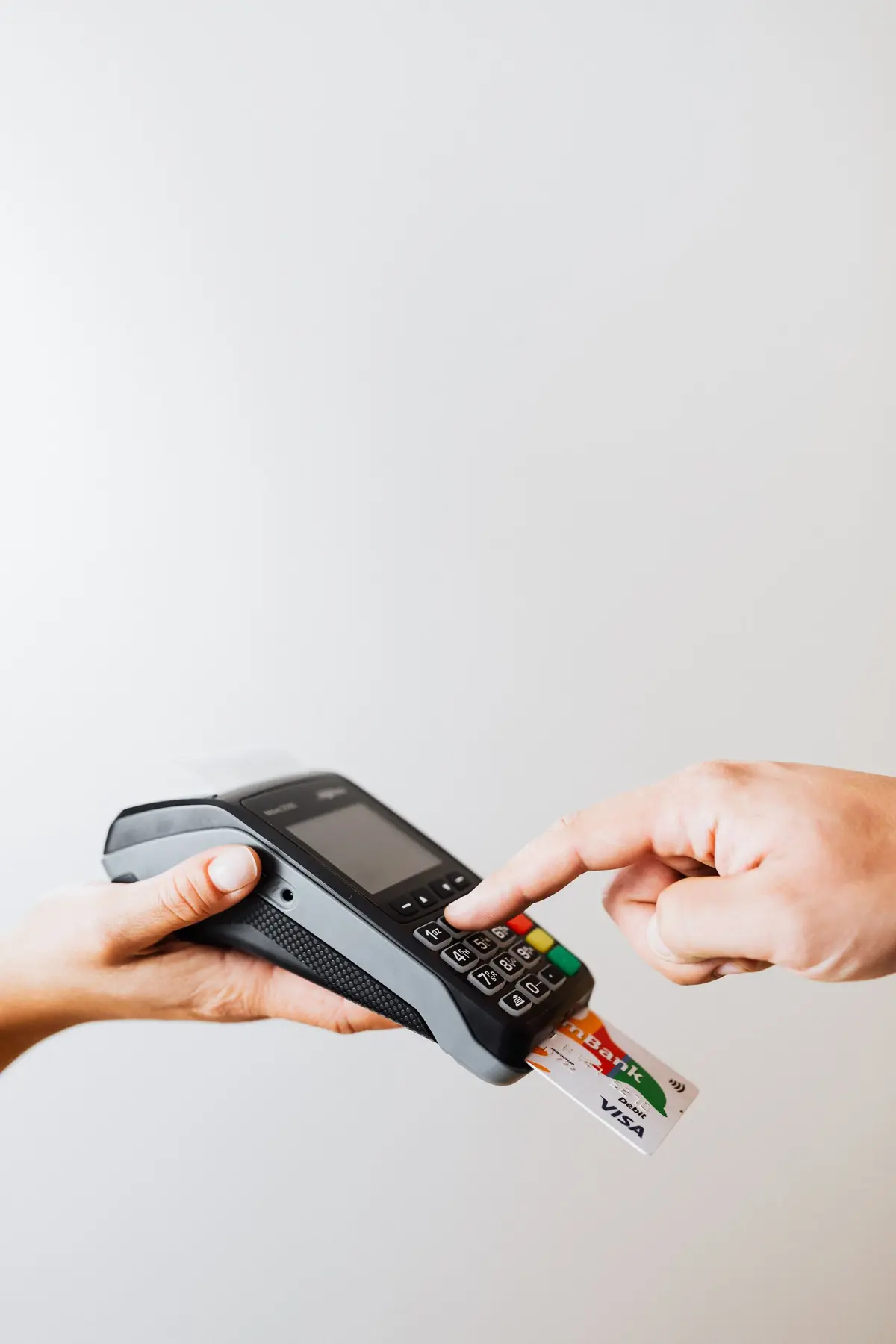
With Send to the POS the amount reaches the Stripe reader on the counter. The patient taps the card and the status changes to Paid by itself. If the card is declined, the row says Failed, with the reason.
Link and installments
Create link is valid for 30 days and you send it by email, by SMS or with Copy. The practice's installments run from 2 to 12, one a month, with no interest. With Klarna the patient chooses 3 installments and the practice gets paid in full right away.
One invoice per payment
On the paid line, Issue invoice appears (within N days). The form opens with card, traceable payment and date already filled in. The total must be the amount paid, otherwise you cannot issue it.
- Who it is for
- For practices that today take payments at the POS and send the link by hand, and then have to remember to invoice every payment.
- Specific features
- No Fibonacci fee, and the practice never sees the card details. Every payment received opens the invoice already filled in with the payment date and the deadline to issue it.
- What it costs
- Coming soon: once it's switched on, the price list will say whether it's included in the plan or paid for separately.
Without and with
Here is what changes in the practice's day.
| Without Fibonacci | With Fibonacci |
|---|---|
| The POS is a device you key in by hand, and then you re-enter the amount on the invoice. | The amount goes from the record to the reader, and the result comes back on its own. |
| Anyone who cannot pay in the office receives an IBAN for a bank transfer. | They receive a link, and pay by card, Apple Pay or Google Pay. |
| Installments are a sheet with dates you have to remember. | Each installment is a request with its date, and the preview says how much it is worth. |
| You remember to invoice a payment when your accountant asks for it. | Every payment has Issue invoice, with the date by which to do it. |
| The treatment name ends up on the card receipt. | The receipt carries the description you write, for example a session. |
Good to know
Before you use it, there are four things worth knowing.
One invoice per payment
A service is considered performed on payment (DPR 633/72, art. 6), so each installment has its own invoice, to be issued within 12 days (art. 21). The deadline is written next to the payment.
Past 50 days, installments are credit
The practice's interest-free installment plan is a deferral only if everything is paid within 50 days of the service. Beyond that, from 20 November 2026 it is a credit agreement of the practice. The form warns you, and from here it does not block.
Installments do not start on their own
On the day of an installment no request goes out: the practice asks for it. The Requested, not yet paid list shows them. With Scalapay and Klarna the provider handles the installments.
Refunds and disputes
The refund is made by whoever administers, with Refund everything, and it cannot be undone. If the invoice already exists, a credit note is then issued. A refund made from the Stripe Dashboard appears as a warning.
Related features
It works together with these other parts of Fibonacci.
Questions
Answers to the questions that come up first.
Who receives the money?
Can I pay with something other than a card?
Who connects the providers and the reader?
Does the patient see the practice's and the payment's data?
What is Klarna's 3-installment payment?
How long is a link valid for?
What happens if the card is declined?
Do I have to accept cards by law?
Do the takings appear in Receipts?
When will it be available?
Till and numbers
Try it in your practice for 15 days, no credit card.
Within one business day we'll call you: we set up the practice together and import your data.
Continue: Inventory →