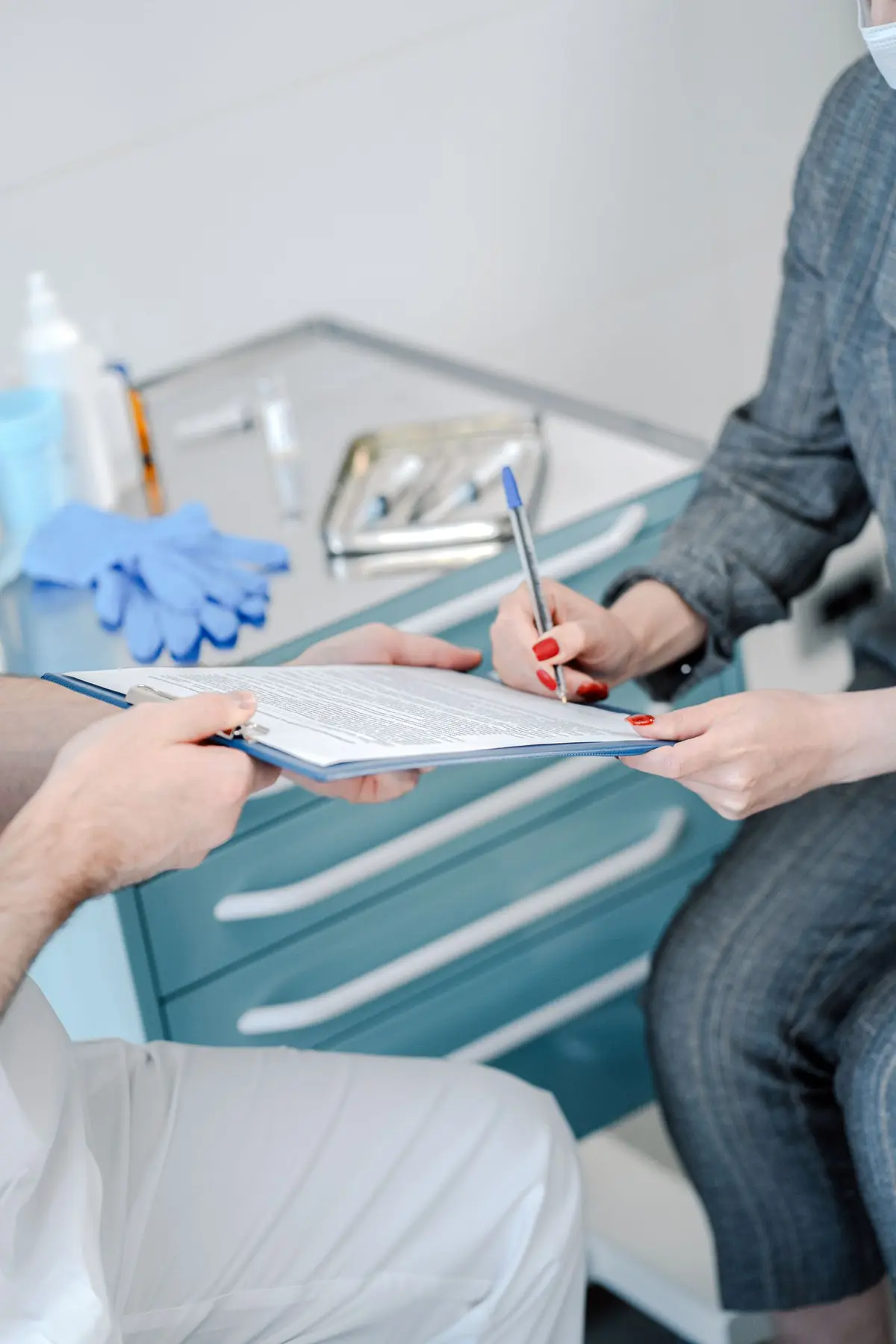
Every treatment has its own consent form, and the patient signs it at the practice.
Start from a ready-made template or from the one your scientific society provides, which you upload yourself. You fill it in with the patient's data, read it back section by section and adopt it as your own. The patient signs in the practice, and the PDF stays in the chart.
- More than a hundred templates
- Your practice's forms
- Sign with a code
Informed consent · Lip filler
Your practice's template · Rossi G.
I have read and understood the text
How it works
It takes a few steps, in the same order you work in the practice.
Step 1 of 5
Open Consents from the chart
You see the consents already generated for that patient and their status: draft, sent, signed, revoked.
Create a consent
What it does
Here is what it does, in three points.
More than a hundred templates
For the most frequent aesthetic medicine procedures. You read them yourself before having them signed.
Your practice's forms
You upload your scientific society's forms as PDF or Word and they become templates for the practice.
Sign with a code
The patient gets a one-time code and types it in to sign, or signs with a finger on the tablet. The contact details come from the patient registry: you don't type them by hand.
- Who it is for
- For practices that have a different consent form signed for each treatment.
- Specific features
- Over a hundred ready-made templates, or your scientific society's forms. Saving stays locked until you have read back every section, and a signed consent cannot be changed.
- What it costs
- Included in every plan, from 129 € a month for one doctor, VAT excluded. The first 15 days are free.
Without and with
Here is what changes in the practice's day.
| Without Fibonacci | With Fibonacci |
|---|---|
| The form is photocopied and filled in with a pen, the same for everyone. | The template is filled in with the patient's, the practice's and the doctor's data. |
| The scientific society's form stays in a folder on the computer. | You upload it once and it becomes a template for your practice. |
| It is signed without anyone having re-read the text. | Saving waits until you have checked every section. |
| The signed sheet ends up in a binder. | The signed PDF sits in the chart, linked to the visit. |
| A revocation is noted in the margin. | The consent changes to Revoked with the reason, and the original remains. |
In the product
The consent form

Real screenshot of the application, with sample data.
Good to know
Before you use it, there are four things worth knowing.
A signed consent can't be changed
If the technique changes, a new consent is generated. The previous ones stay, with their history.
The revocation stays on record
The consent moves to "Revoked" with the reason, and the original PDF stays archived.
No consent form is written by artificial intelligence
Since 25 October 2026 the patient always signs the text of a template: one from the library or one uploaded by your practice. The doctor reads it and adopts it as their own.
Every step is logged
Who generated, reviewed and had it signed stays in the access log.
Related features
It works together with these other parts of Fibonacci.
Questions
Answers to the questions that come up first.
Does the AI write the consent?
Can I use my scientific society's forms?
Can I reprint a signed consent?
What happens if the treatment is not in the catalog?
Are the ready-made templates validated by a lawyer?
Can I save a consent and have it signed later?
How do you handle a minor patient?
Can the patient sign without a mobile phone or email?
Consents and documents
Try it in your practice for 15 days, no credit card.
Within one business day we'll call you: we set up the practice together and import your data.
Continue: Patient signature →