Coming soon
The practice’s appointments appear in your Google Calendar or Outlook, and your own commitments fill the schedule.
Each person in the practice connects their calendar from Settings, Connections, Your calendar, with their own account’s consent. Fibonacci creates a calendar there called Fibonacci and writes only in that one. From your calendar it reads only the times when you’re busy.
- From the schedule to your calendar
- From your calendar to the schedule
- Updated every ten minutes
Coming soon: the feature is built but not yet switched on in practices. Here you can see how it will work.
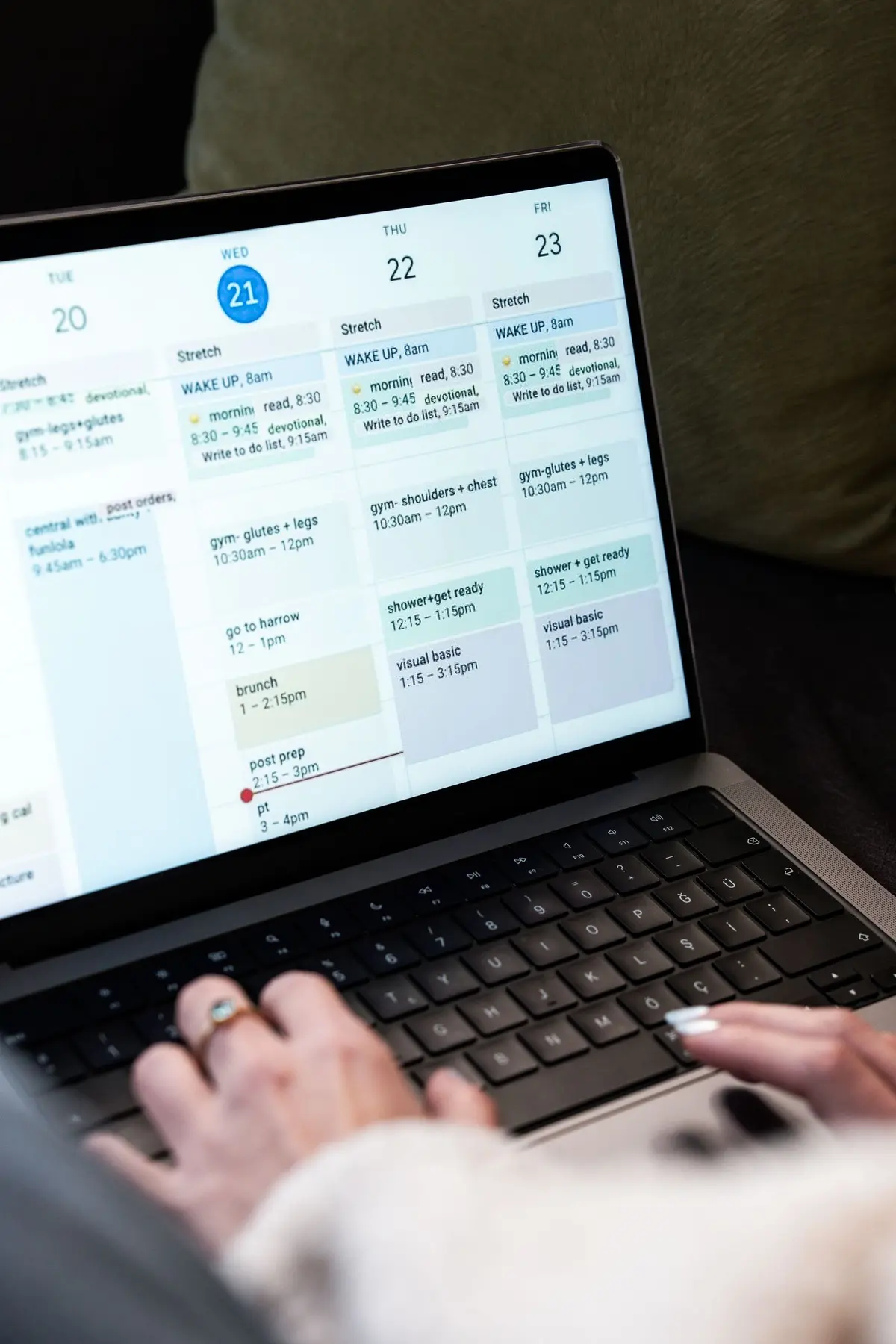
Example practice, updates every 10 minutes
How it works
It takes a few steps, in the same order you work in the practice.
Step 1 of 5
Open Your calendar
In Settings open Connections and then Your calendar. Everyone sees and touches only their own connection, not their colleagues'.
The connection is yours, not the practice's
What it does
Here is what it does, in three points.
From the schedule to your calendar
The doctor’s appointments, from yesterday to 60 days ahead, go into the Fibonacci calendar of their account, with the location and the room. The title is up to you: Busy, Appointment, or the type of visit.
From your calendar to the schedule
The times when you’re busy in your main calendar become striped blocks behind the appointments. Online booking doesn’t offer the times that fall on them.
Updated every ten minutes
The sync runs on its own every ten minutes and right after you connect. With Refresh now you start it whenever you want. With Disconnect you remove everything: the Fibonacci calendar disappears from your account.
- Who it is for
- For the doctor who already has a personal calendar on their phone and doesn’t want to keep two calendars in sync by hand.
- Specific features
- What goes out to your calendar is the day, the time, the location and the word Busy. The patient’s name and the reason for the visit never go out, and no titles are read from your calendar.
- What it costs
- Coming soon: once it's switched on, the price list will say whether it's included in the plan or paid for separately.
Without and with
Here is what changes in the practice's day.
| Without Fibonacci | With Fibonacci |
|---|---|
| The practice schedule and the phone calendar have to be kept aligned by hand. | Appointments appear in the Fibonacci calendar in your account. |
| A personal commitment is entered twice, or you forget it in your calendar. | Busy times from your calendar become blocks in your schedule. |
| Online booking offers a time when you are already busy. | Online booking skips busy times in your calendar. |
| The patient's name ends up in your phone calendar. | In the external calendar you see Busy, or the visit type if you choose it. |
| To stop, you have to clean up the events by hand. | Disconnect removes the Fibonacci calendar from your account. |
Good to know
Before you use it, there are four things worth knowing.
Off until tested
The connection is off by default. Turning it on requires an app registered with Google and one with Microsoft: until those exist, the page says it is not active for the practice.
Minimal permissions
On Google, Fibonacci asks to write only in calendars it created and to read free or busy times. On Outlook, it asks to read and write in the calendar.
Your event titles don't come through
From your calendar, only start, end and whether you are busy are read. In the schedule, everything becomes Busy, even a dentist appointment.
It may ask you to reconnect
If the provider closes the connection, the status becomes Reconnect needed and you just press Reconnect. If the last sync fails, the page says so.
Related features
It works together with these other parts of Fibonacci.
Questions
Answers to the questions that come up first.
Does the patient's name end up in my Google Calendar?
Does Fibonacci read my private calendar?
Which calendar does it write to?
How often does it update?
Does it also work with a personal Outlook account?
What happens if I press Disconnect?
Does an event in my calendar block online booking?
Can I connect a colleague's calendar?
When will it be available?
Calendar and practice
Try it in your practice for 15 days, no credit card.
Within one business day we'll call you: we set up the practice together and import your data.
Continue: AI receptionist →