You mark treated areas with a dot on the photo or on the 3D model, and the list fills in on its own.
In the treatment form, under Body-map and treated areas, choose Photo or 3D. On the portrait one click is enough, on the 3D model a double click. Each point is a numbered dot, with product and quantity. The Treated areas list below the map updates together with the dots.
- Dots on the portrait or 3D
- How it was done, if you want
- The map of the entire history
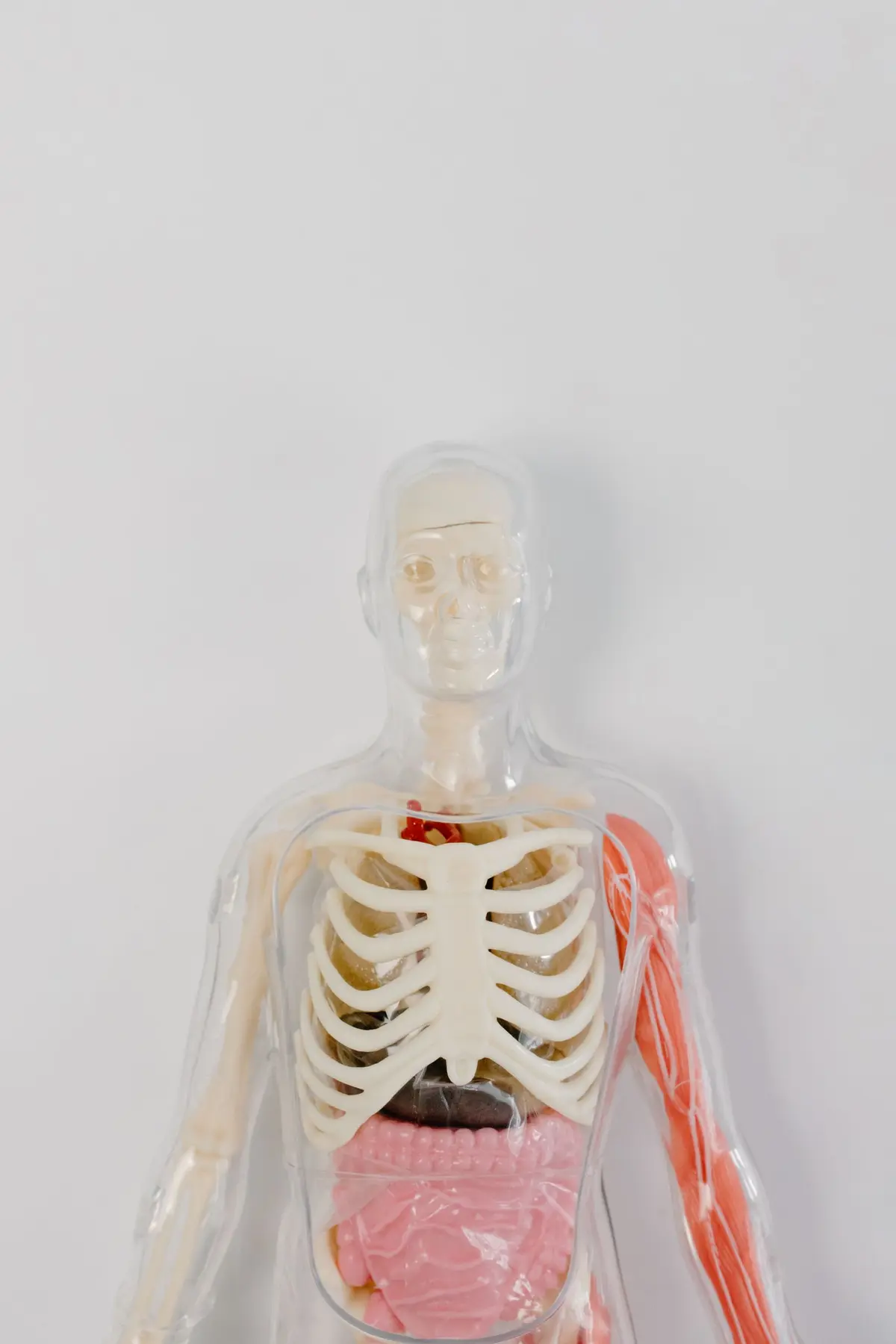
Two areas treated today
How it works
It takes a few steps, in the same order you work in the practice.
Step 1 of 5
Open the treatment form
From Treatment history press New treatment, or record it from the visit path. You'll find the Body-map and treated areas item.
Open session
What it does
Here is what it does, in three points.
Dots on the portrait or 3D
One click on the frontal photo, a double click on the model. The double click distinguishes marking from rotation: you drag to rotate. A second double click on the same point removes it.
How it was done, if you want
On each point you write Treatment and Quantity. In the optional How it was done section, choose Tool, Gauge, Plane and Technique from closed lists. No list suggests the right value for the area.
The map of the entire history
In Treatment history, the Treatment map says how many times each area has been treated, with the Category legend. A click on an area filters the timeline, and a warning appears if the two sides diverge.
- Who it is for
- For anyone who treats face and body and wants to be able to say, months later, where they placed how much and with which technique.
- Specific features
- The model is three-dimensional and single: whole body with the face on top, male or female. Outside the session, the Treatment map adds up the entire history and shows how many times each area has been treated.
- What it costs
- Included in every plan, from 129 € a month for one doctor, VAT excluded. The first 15 days are free.
Without and with
Here is what changes in the practice's day.
| Without Fibonacci | With Fibonacci |
|---|---|
| You describe the treated areas in words in the notes. | You place a dot on the treated point and the Treated areas list fills in. |
| On a printed diagram the mark ends up wherever. | On the 3D model the dot stays where you clicked, not in the center of the area. |
| You forget gauge, plan and technique or write them differently each time. | Four dropdowns with fixed options, always the same. |
| To know how many times you treated an area you reread the sessions. | The Treatment map counts the times per area. |
| If you dictate, the areas stay in the text and that's it. | Auto-extract areas from text brings them onto the map. |
Good to know
Before you use it, there are four things worth knowing.
On the body, areas are not colored
The mark is the dot, not the fill. The region boundaries come from a partition that cuts straight where the anatomy curves, and coloring them would have shown that flaw.
Changing model moves the points
The exact point applies to the model you placed it on. Switching from male to female, the dot goes to the center of the area. The areas recorded in the chart do not change.
Dictation does not color the map
Dictate the session and it fills in product and quantity, but the recognized zones end up at the end of the notes. To turn them into dots, you need Auto-extract areas from text.
Coming soon: body analysis
From a photograph, the system reconstructs a 3D model of the patient's body, with a calculation of about twenty seconds on a server. It does not measure and does not give scores: it represents. The code is there, and it turns on where the service is configured.
Related features
It works together with these other parts of Fibonacci.
Questions
Answers to the questions that come up first.
What's the difference between Photo and 3D?
Why does 3D need a double click?
What do I write on a point?
Why are there Gauge, Plan and Technique?
Does Fibonacci tell me the right plan for the area?
Can I remove a point placed badly?
What happens if I click outside the regions?
How is the right and left side decided?
Is the number on the Treatment map the amount of product?
When will body analysis be available?
Chart and clinical
Try it in your practice for 15 days, no credit card.
Within one business day we'll call you: we set up the practice together and import your data.
Continue: Photos →